


How do I change my team?
To change your team in a challenge, you have two options:
📌 Option 1: Leave and rejoin the challenge
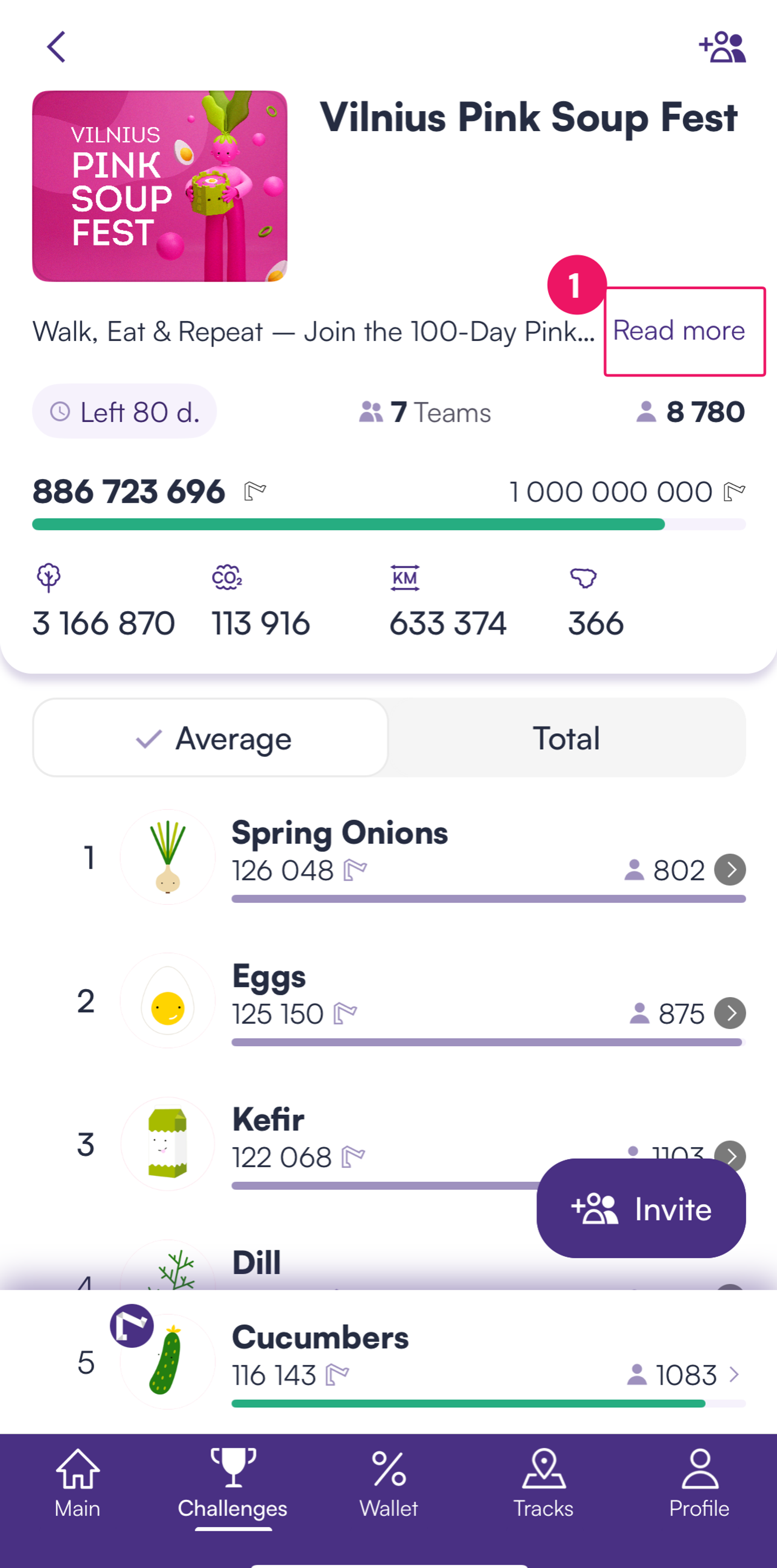
1️⃣ Open the Walk15 app and go to Challenges.
2️⃣ Select the challenge you are participating in.
3️⃣ Tap Read more in the challenge description:
4️⃣ Scroll down and select Leave Challenge:

5️⃣ After leaving, rejoin the challenge and select your new team.
⚠ Important: Your step count will reset to 0 when rejoining the challenge.
📌 Option 2: Contact support
If the challenge has already started and you cannot leave, you can request a team change by contacting [email protected]. Please provide:
✅ The challenge name.
✅ Your User ID (found in your profile settings).
✅ The team name you want to be transferred to.
Our team will process your request and move you to the desired team.